Menu
-
-
Guitars & Bass
-
Pianos/Keyboards
-
Drums & Percussion
-
Live Sound/PA
-
DJ Gear
-
Studio Gear
-
Other
-
Accessories
-
- GUITAR RESTRINGS/REPAIRS
- Gift Vouchers
- Trade-Ins
- Blog
- Contact
- 1300 00 77 26
- Login

Guitars & Bass
accessories
Pianos/Keyboards
DJ Gear
Drums & Percussion
Studio Gear












Product Information
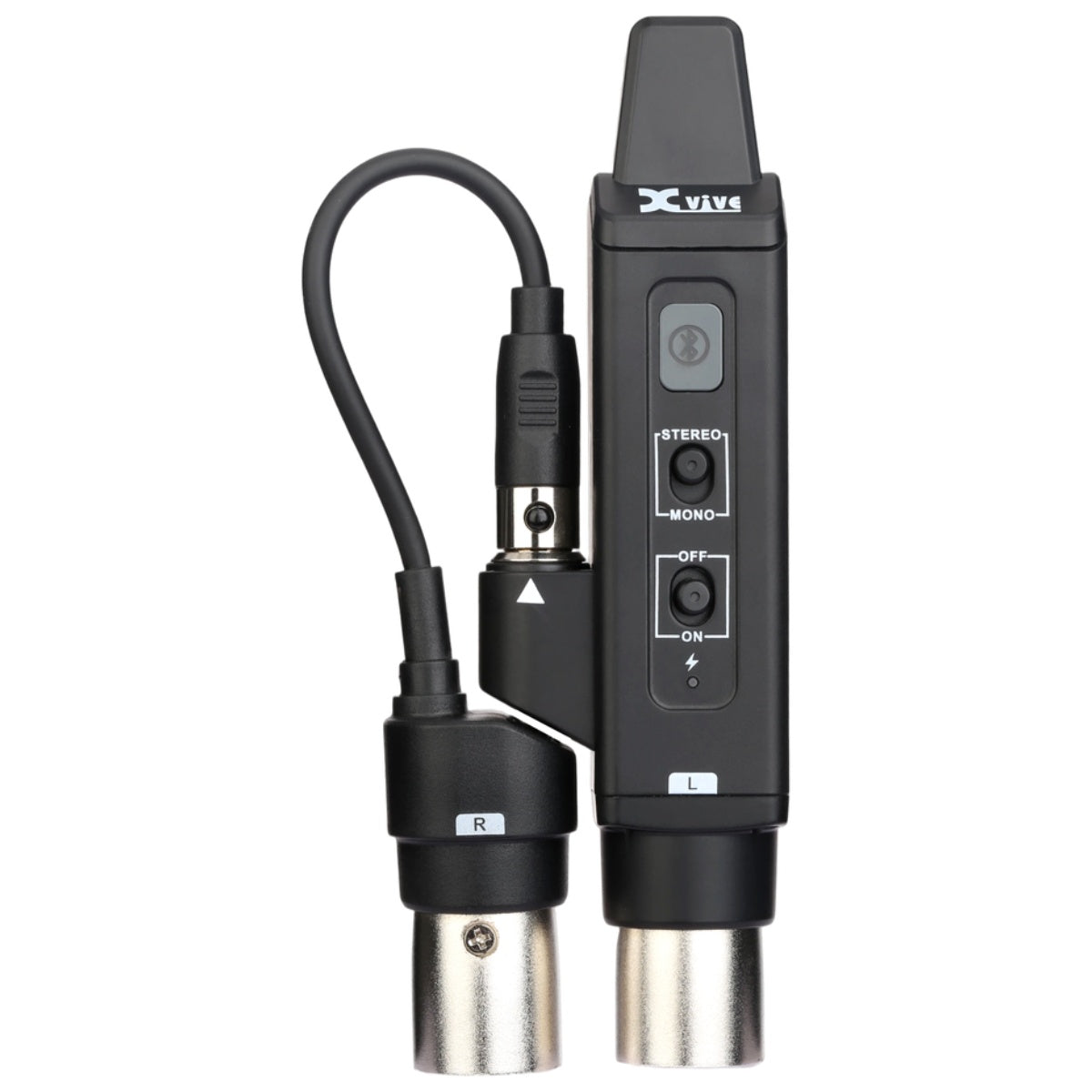
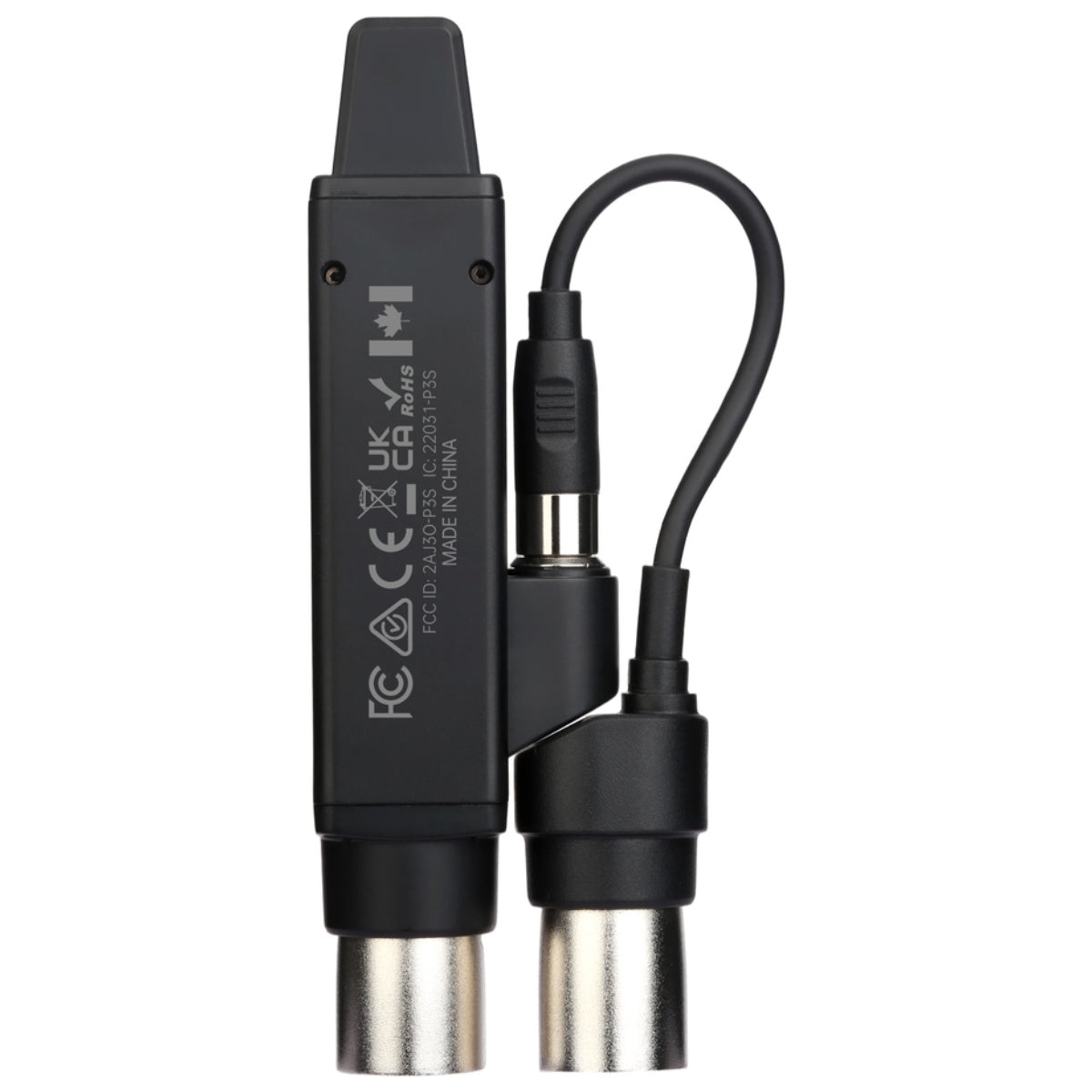
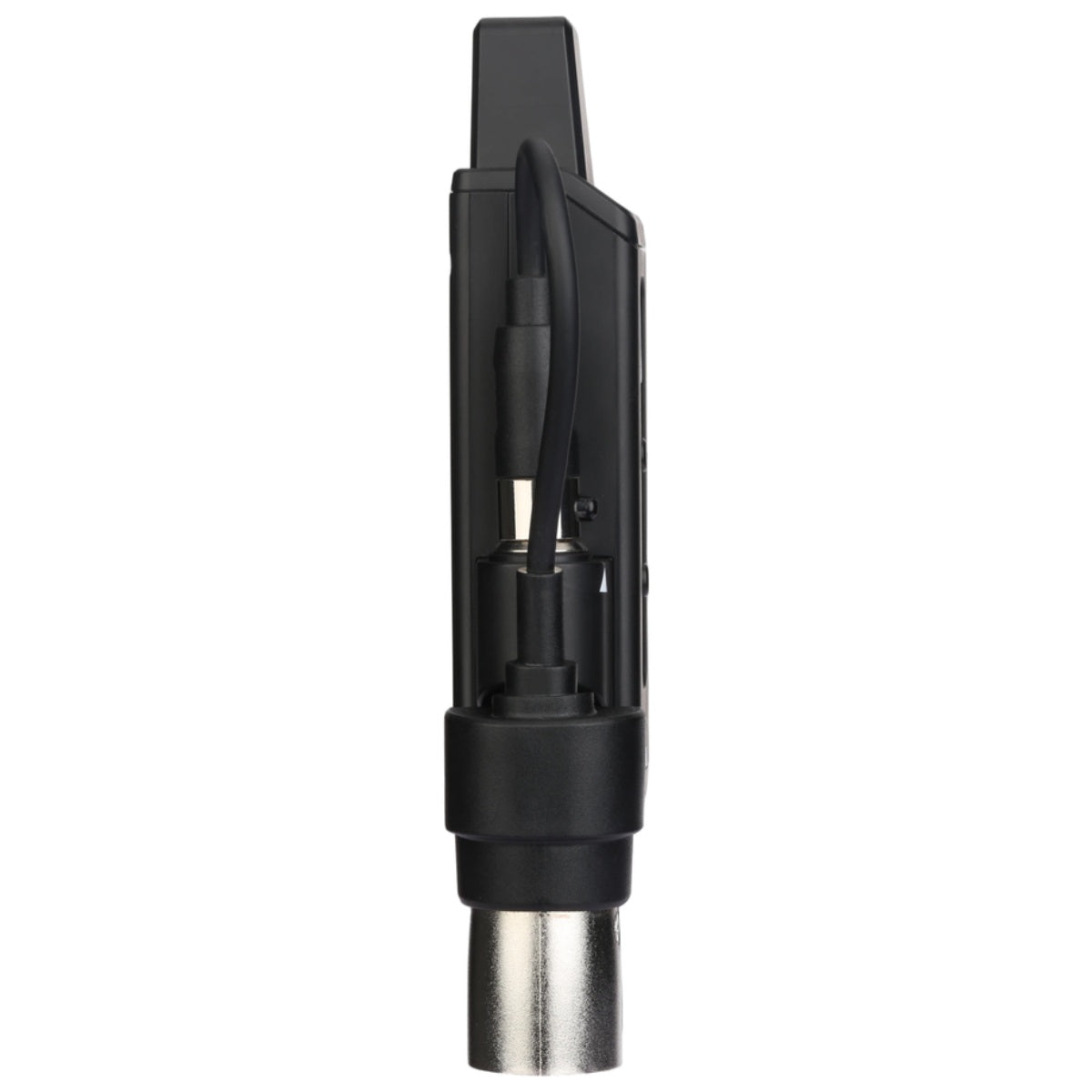
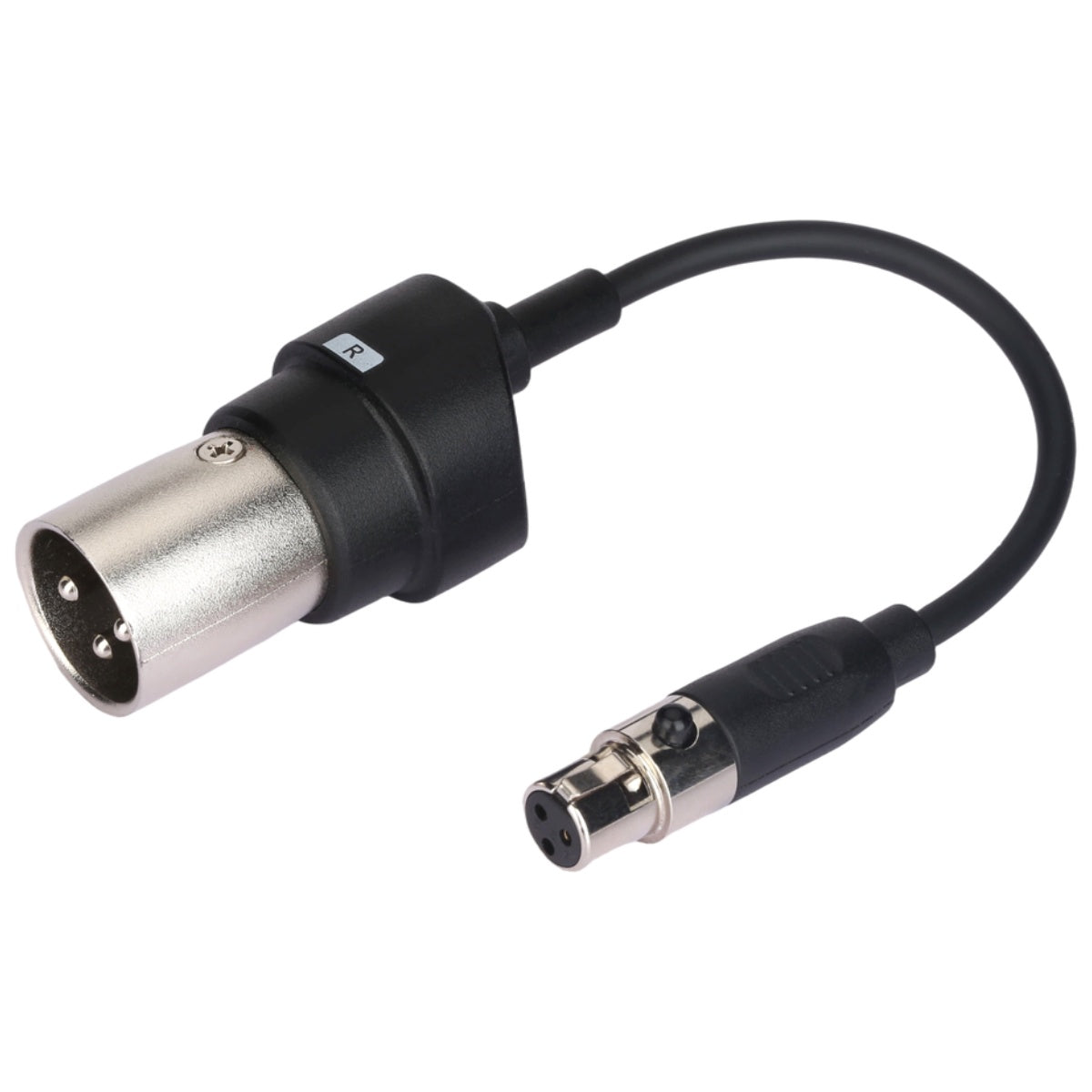
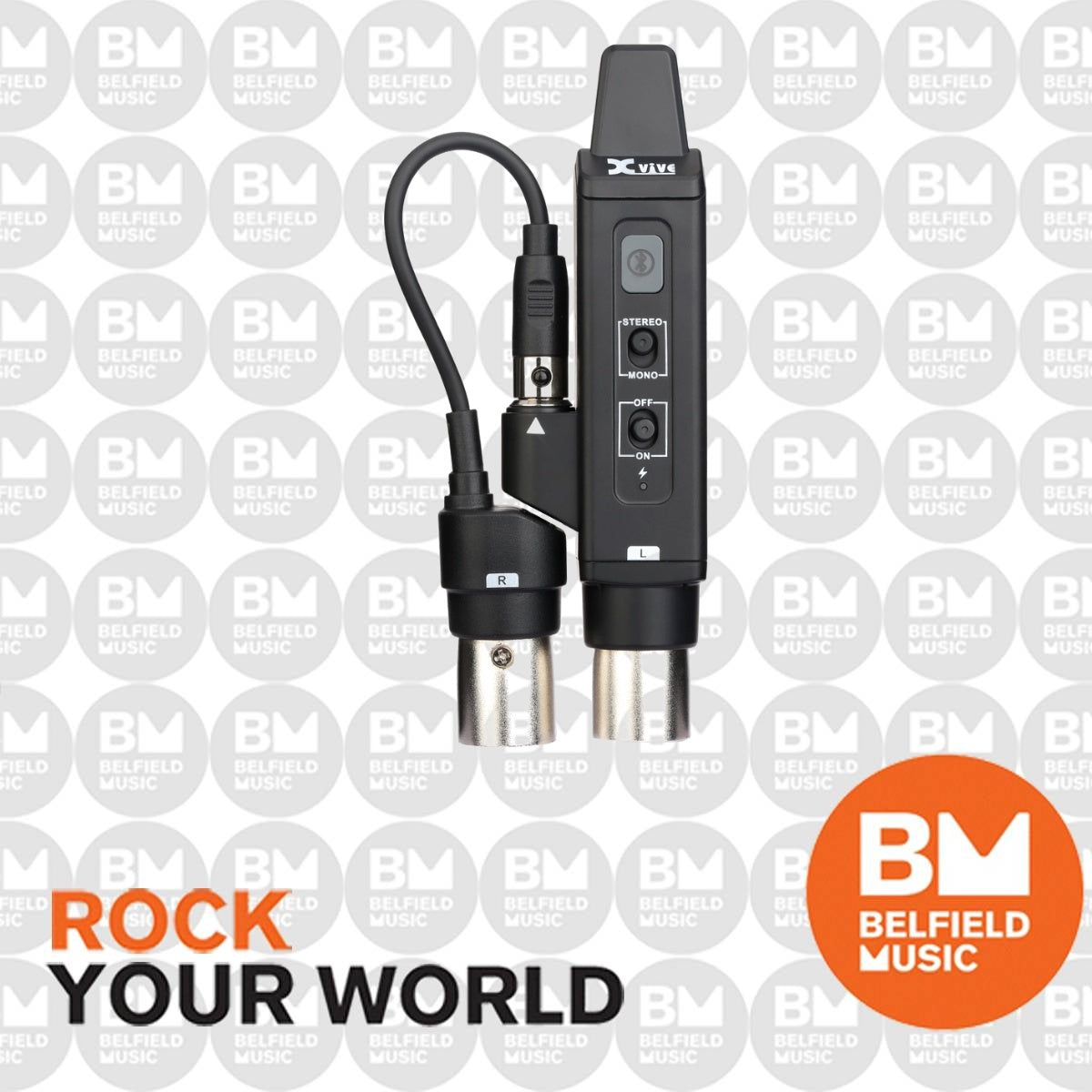
The Xvive P3S is a professional Bluetooth audio receiver designed to deliver true stereo wireless audio to mixers, powered speakers, and PA systems. Simply connect the P3S using its XLR and Mini-XLR outputs, pair your Bluetooth device, and enjoy high-quality wireless audio without the need for additional cables or complex setup.
In Stereo mode, the two outputs operate as independent left and right channels, providing genuine stereo playback for music, backing tracks, presentations, and other audio sources. A dedicated Mono/Stereo switch also allows the P3S to adapt easily to different sound system configurations.
Bluetooth 5.0 connectivity provides reliable wireless performance and supports A2DP and AVRCP profiles along with SBC, AAC, aptX, and LDAC codecs for broad compatibility with modern Bluetooth audio devices.
The built-in rechargeable battery provides up to 8 hours of operation, making the P3S a practical solution for live performances, fitness classes, events, presentations, and portable PA applications. With a line-of-sight transmission range of more than 100 feet, it provides the freedom to position your audio source away from the mixer or speaker system.
Features
- Professional Bluetooth audio receiver for mixers and active PA systems
- True stereo Bluetooth audio output with independent left and right channels
- Main / Left channel XLR output
- Secondary / Right channel Mini-XLR output
- Selectable Mono / Stereo operation
- Bluetooth 5.0 wireless connectivity
- Supports A2DP and AVRCP Bluetooth profiles
- Supports SBC, AAC, aptX, and LDAC audio codecs
- Transmission range of more than 100 ft line-of-sight
- Built-in rechargeable battery
- Up to 8 hours of battery operation
- Simple plug-and-pair operation
- Ideal for live performances, fitness classes, events, presentations, and PA systems
Specifications
- Brand: Xvive
- Model: P3S
- Product Type: Bluetooth Audio Receiver
- Audio Output: True Stereo
- Main / Left Output: XLR
- Secondary / Right Output: Mini-XLR
- Operating Modes: Mono / Stereo
- Bluetooth Version: Bluetooth 5.0
- Bluetooth Profiles: A2DP / AVRCP
- Supported Codecs: SBC, AAC, aptX, LDAC
- Transmission Range: 100+ ft Line-of-Sight
- Battery: Built-In Rechargeable Battery
- Battery Life: Up to 8 Hours
Warranty
1 Year WarrantyName:
Invoice/Order Number:
Item:
Fault Description:
Serial Number:
Email:
Contact Number:
Address:
Shipping Policy
All orders over $200 will be automatically eligible for FREE Shipping Australia Wide, if you order is under $200 there will be a flat rate of $12.
Belfield Music is well known for its top online customer service. We treat all online customers with the same excellent service we give to our in store customer. We will ensure that you receive all the support you need while your goods are in transit and ensure the goods arrive promptly. All of our shipments have tracking numbers available and we cover every single unit by our own shipping insurance.
Online orders are normally processed within 1-3 business days. Once processed, your order should take between 1-8 business days to arrive depending on your location. Please note that your order may take up to 10 business days to arrive from the day you place your order.
If it transpires that the product is out of stock due to a stock discrepancy and/or there will be a delay in shipment, we will contact you within 2 business days of placing your order and give you the option of waiting or cancelling your order. The products we advertise online should show if they are in stock or not. We do our best to keep the website stock count up to date, but there may be an occasional error.
If you wish to utilize an Express Delivery Service to receive your item, please contact us for a shipping quote before you place your order at admin@belfieldmusic.com.au or by using the Chat icon on the bottom right of the page.
Deliver is made during the hours from 8:00am till 5:30pm Monday to Friday. As such, please ensure you nominate an address which is capable of receiving goods during 8am and 5.30pm. Given the restrictions on PO Box deliveries we cannot deliver larger sized items to a PO Box.
If for any reason our selected carriers don't service your area we will contact you before processing your order if this applys to you.
Returns Policy
If you wish to return an item which is not damaged or faulty in any way and you have simply changed your mind or made the wrong decision, you must let us know within 7 days of receiving the item. We will not agree to refund an item because you simply changed your mind or made the wrong decision if we have not been advised of your intention within 7 days of receiving your item. Once we have provided a return authority, it is the buyer’s responsibility to return the item, at their own costs within 30 days from original purchase. If the item is returned with any damage or alteration to its original packaging, we will refund the item subject to applying a minimum 15% restocking fee. We will not refund the costs of the initial shipping charges.
It is in Belfield Music best interests to keep our customers happy with their purchases. If you are not happy with your purchase, please talk to us first. We will always attempt to resolve any problems you may have as best we can. To contact us please email us at admin@belfieldmusic.com.au or by using the Chat icon on the bottom right of the page.


You have copied the placement for the Product Page.
Go back to the App Embeds section, and in the Paypal Advanced Settings, paste the copied value into the Product Page field and click the 'Save' button in the top right corner.